Skip to content
IPTV Smarters Pro
Firestick usually requires the Downloader app to install compatible IPTV applications.
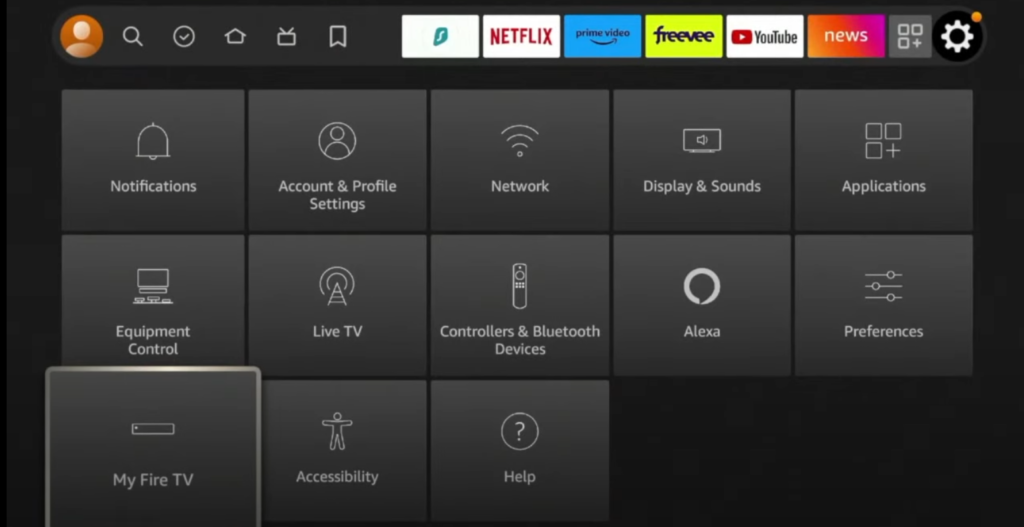
Open Fire TV Settings
From your Firestick home screen, select the Settings icon.
Go to My Fire TV or Device & Software, depending on your model.
Enable Developer Options
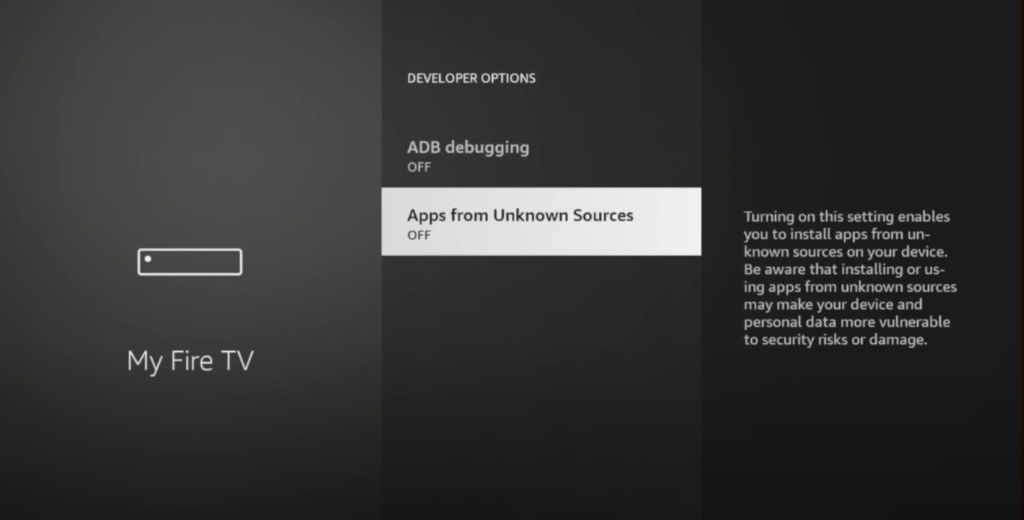
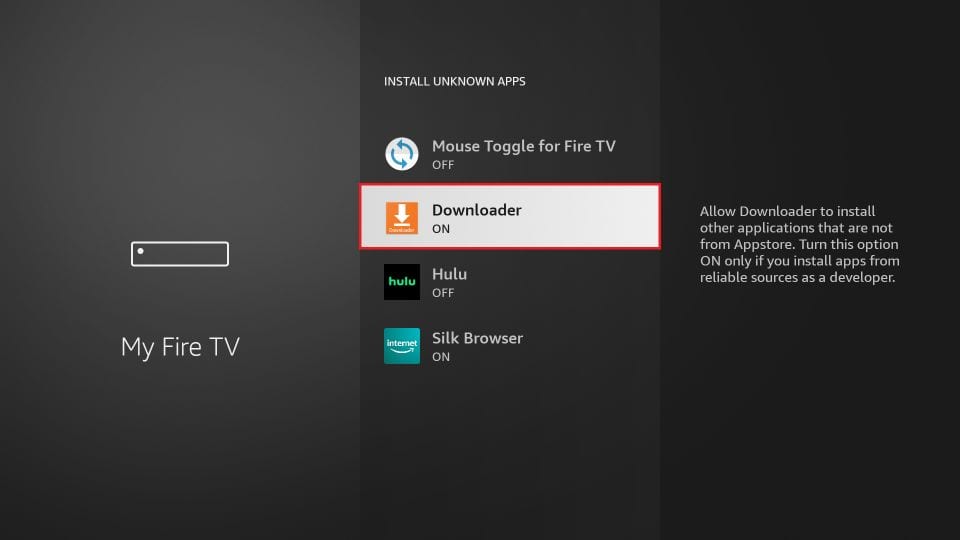
Open Developer Options and allow installation from unknown sources for the Downloader app.
Install Downloader
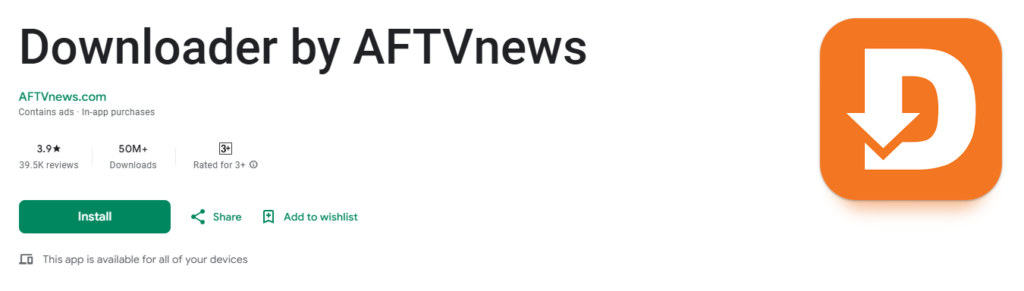
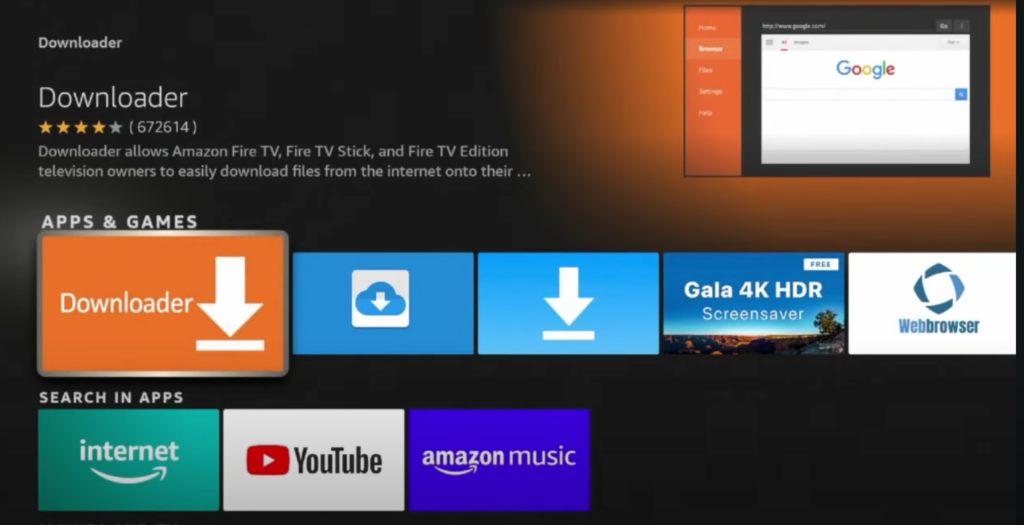
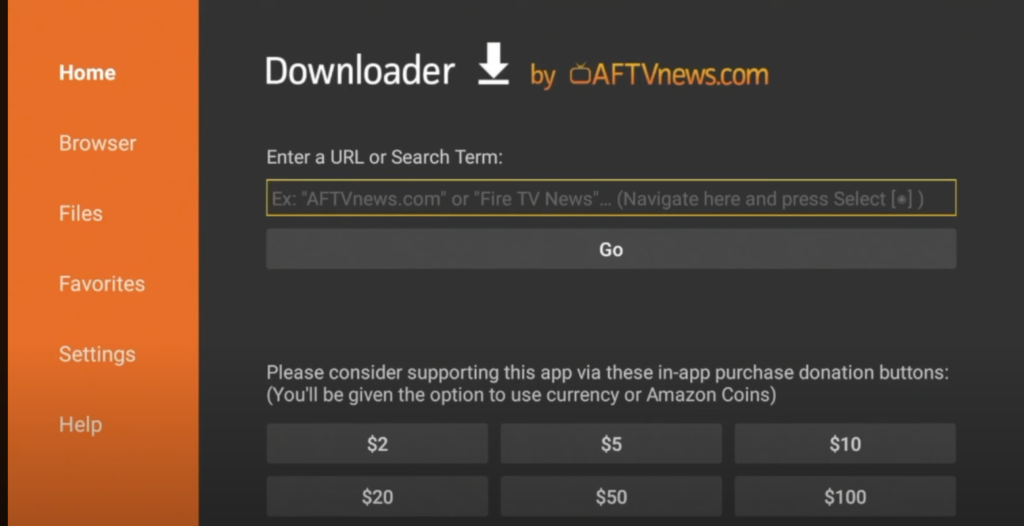
Return to the Fire TV home screen, select Search, type Downloader, then install Downloader by AFTVnews.
Install your IPTV player
Open Downloader and enter the official download address supplied for your IPTV player.
Download the APK, select Install, then open the application.
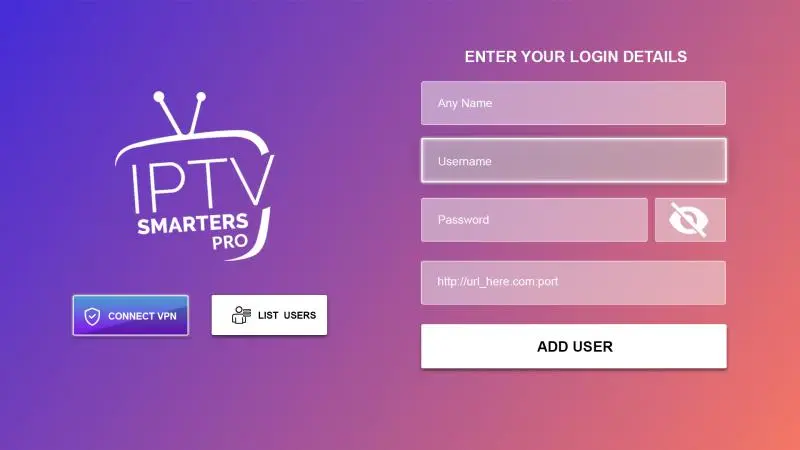
Enter your IPTV login details
Open your IPTV player and select Xtream Codes or Login with Xtream Codes API.
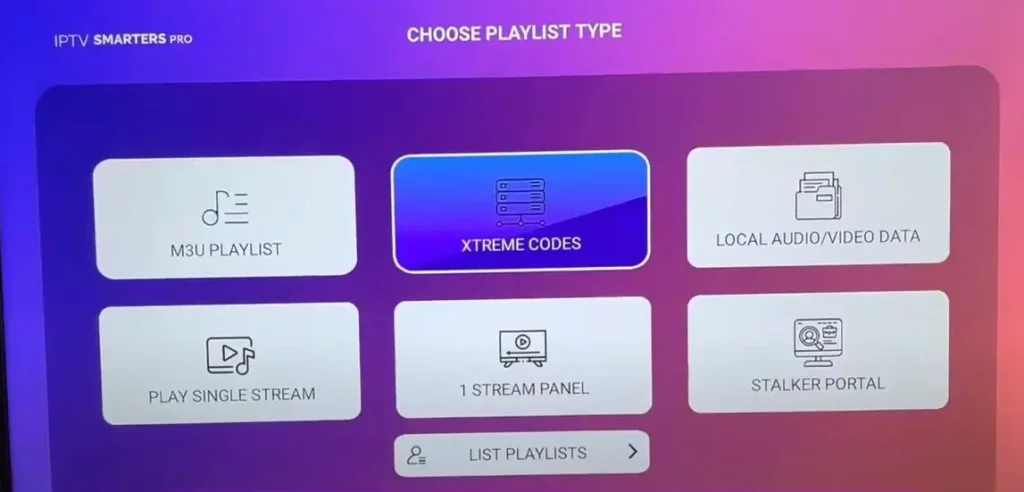
Select Add User or Login and allow a moment for the app to load.
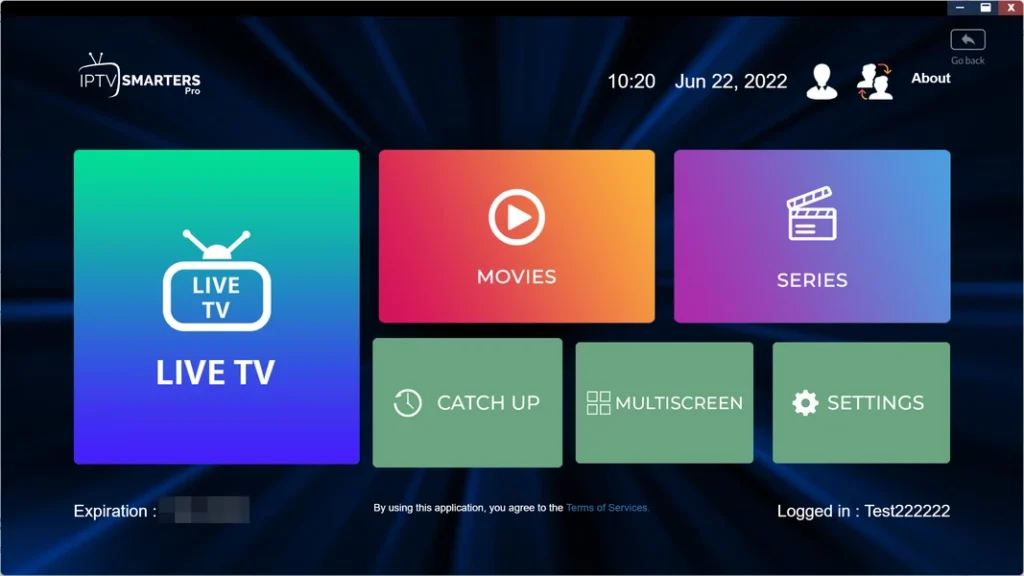
Your IPTV player should now be ready to use.